One Studio For The Whole Video.
Keep the script, narrator, scenes and finished video in one project. Make the creative calls without moving between editing apps.
- 01Script
- 02Voice
- 03Scenes
- 04Clips
- 05Film
Script
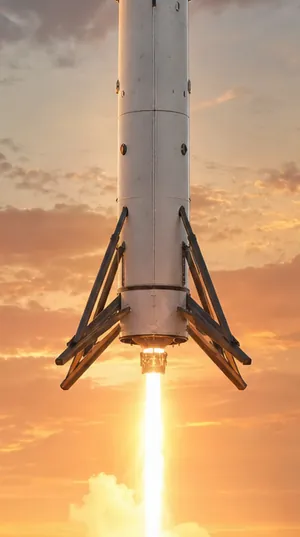
- The booster falls back from space.
- Its engines fire one more time.
- Four legs unfold above the pad.
- It touches down standing up.
- Then it flies again.
Voice: Theodore
Scenes



Film
Keep The Whole Story Together.
Start with the words, choose the narrator and shape the scenes in the same project. Review the stages in order and carry the accepted work into the finished video.
Change The Part That Needs Work.
Fix the line that sounds wrong. Choose a different narrator. Rerun the scene that needs another take. Build on the work you want to keep.
Finish Ready To Share.
Bring the selected scenes and narration together, review the video and prepare its title, tags and description. Download the finished files when you are ready to share them.
Frequently Asked Questions
Do I Approve Every Stage?
Yes. Review the script, voice, scenes and final video as you move through production. You decide which work is ready for the next stage.
Can The Studio Publish To My Channel?
Yes, on YouTube. Connect the channel, then approve each upload or turn on an upload rule for matching finished videos. For TikTok, Instagram Reels and Facebook, download the finished video and upload it yourself.
