Your Channel. Your Call.
Upload On Your Schedule.

Choose when your finished videos go to YouTube. Approve each upload, or turn on an upload rule for matching finished videos. Your channel stays on your schedule.

See How It Works

Mon 9:00 ยท Scheduled

Upcoming ShortsYouTube

  1. What Cracking Your Knuckles Really DoesScript draft
  • Edit Hook
  • Change Voice
  • Rerun Scene

Pick Your Format

  • 3D Explainers
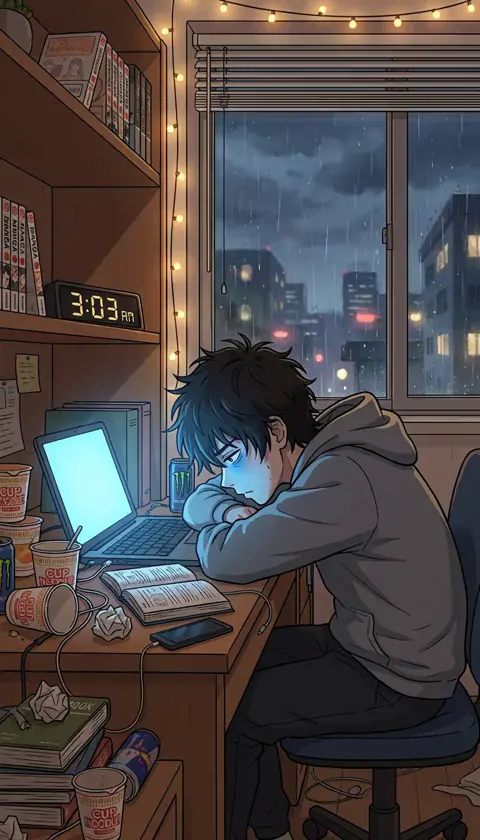
  • Reddit Stories
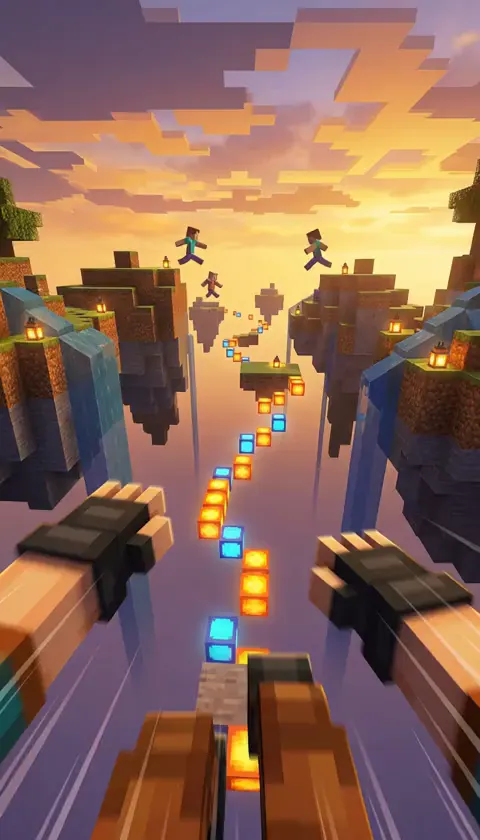
  • Story Over Gameplay
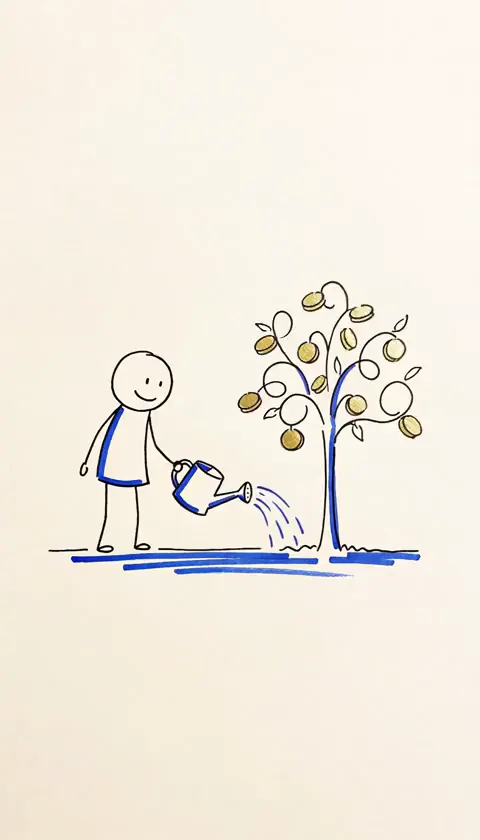
  • Stick-Figure Explainers
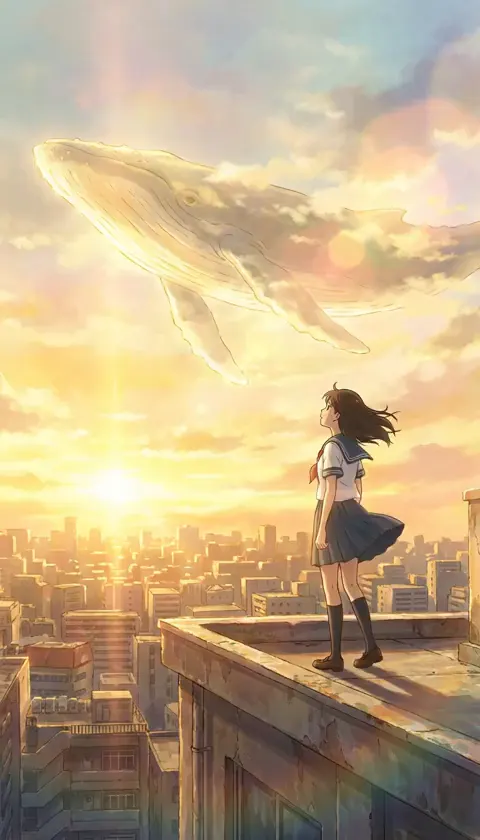
  • Ghibli Style
  • Up To 60 Seconds. Room for a story worth finishing.

  • Hundreds Of Voices. Hear samples before you choose.

  • Captions Burned In. Plus a frame thumbnail.

  • Uploads On Your Schedule. Choose the time. Uploads publish as private until YouTube approves our app.

Example Shorts

  • Our channel
  • Our channel
  • Our channel
  • Our channel
  • Our channel

YouTube Publishing, Explained

DreamWild schedules finished videos you made and approved in the studio to your YouTube channel. Approve each upload, or turn on an upload rule that uploads matching finished videos at the dates and times you set. Each rule stays off until you turn it on, never creates videos or spends credits, and you can pause it, edit it or revoke Google access at any time. Every upload gets a receipt with its YouTube link and the visibility YouTube reports. When a video shows realistic people, places or events made or changed with AI, we turn on YouTube's altered or synthetic content setting for you. Cartoon and animated styles don't need it, and you can change it on any upload. For TikTok, Instagram Reels and Facebook, download the video and post it yourself.

Choose Your Times.
Queue Your Finished Videos.

Approve and schedule each finished video, or turn on an upload rule for matching finished videos. Each rule stays off until you turn it on, and you can pause it at any time.

  1. 01

    Pick Your Format And Subjects.

    Choose a format and the subjects you could talk about all night. DreamWild suggests ideas within that direction, giving the next video somewhere to start.

  2. 02

    Make And Review Your Short.

    Develop the hook and script, choose the voice and review the scenes. DreamWild brings them into a vertical Short up to 60 seconds long, with captions burned in.

  3. 03

    Connect YouTube And Pick Your Times.

    Connect your channel, choose your upload times and visibility, then approve each upload or turn on an upload rule for matching finished videos. YouTube's own processing and checks still apply.

Find Your Rabbit Hole.
Build A Channel Down There.

Choose a format and a subject you will want to explore again.

Explore All Eleven Formats

It's Your Channel.
Be As Picky As You Like.

Make a video you are proud to share. Rewrite the hook, fix a line, change the narrator or rerun the scene that needs another take. You decide what reaches the final edit.

Make The Opening Count.

Start from an idea or paste your own script. The hook gets its own field and every line gets its own, so you can fix the one sentence that bugs you without rewriting the rest.

Hook first, then line by line

Hear The Voice First.

A good story in the wrong voice still loses people. Choose from hundreds of voices, play a few samples, then pick the narrator your viewers will come to know your channel by.

Listen before you choose

Rerun One Scene.

Picture not quite right? Edit that scene's prompt and rerun it. Everything else stays exactly as it is.

Captions, Already In.

Every video comes with captions burned in, ready to post.

Help Them Find You.

A frame thumbnail, title, tags and description come with your video, so preparing the upload does not start with another blank page.

Stay Off Camera.

You never film a thing or record a word. Let the story be what people recognise.

Nothing to filmNothing to record

To anyone with a channel idea saved in their notes app,

The Channel Was Meant To Buy You Time.
Not Take It.

Work runs late. Dinner's on the table. The upload can wait until tomorrow.

Then tomorrow fills up too.

You wanted a place for your ideas. Somewhere along the way, making videos started taking your evenings instead.

DreamWild puts the script, voice and scenes in one place, so the work fits your evening and every decision stays yours.

Create and review your next video, then approve its scheduled upload to YouTube.

Stay for dessert.

The DreamWild team

Read Our Story

Your Channel Needs Another Video.
Something Has To Give.

Every video needs a script, a voice, an edit and an upload. Here are three ways to get it done, and what each one really costs you.

What Would You Do Tonight
With Your Upload Approved And Scheduled?

Pick a Plan

Up to 35% Off

Starter

15% off

For first-time video creators

$29USDfirst monthBilled monthly

1,500 credits every month

Enough for at least six 30-second Shorts a month.

๐ŸŽ 2ร— credits first month

  • Free AI videos1 a day
  • Vesper AI agent chats15 a day
  • No watermarkEvery video
  • Commercial useIncluded

Save $54compared to monthly

  • Parallel generations: up to 2 videos
  • Upload to up to 2 YouTube channels
  • Access to selected models & features
  • Standard support
  • Credit rollover (not included)
  • Priority access to new AI features (not included)
  • Lowest cost per credit on annual (not included)

Creator

20% offDaily Shorts

For everyday content creation

$89USDfirst monthBilled monthly

4,500 credits every month

Up to 45 30-second story Shorts a month.

๐ŸŽ 2ร— credits first month

  • Free AI videos5 a day
  • Vesper AI agent chats40 a day
  • No watermarkEvery video
  • Commercial useIncluded

Save $216compared to monthly

  • Parallel generations: up to 3 videos
  • Upload to up to 5 YouTube channels
  • Access to all models & features
  • Priority support
  • 1-month credit rollover
  • Priority access to new AI features (not included)
  • Lowest cost per credit on annual (not included)

Pro

30% offMost popular

For ambitious video projects

$249USDfirst monthBilled monthly

12,500 credits every month

Up to 125 30-second story Shorts a month.

๐ŸŽ 2ร— credits first month

  • Free AI videos15 a day
  • Vesper AI agent chats100 a day
  • No watermarkEvery video
  • Commercial useIncluded

Save $900compared to monthly

  • Parallel generations: up to 9 videos
  • Upload to up to 10 YouTube channels
  • Access to all models & features
  • VIP support
  • 2-month credit rollover
  • Priority access to new AI features
  • Lowest cost per credit on annual (not included)

Max

35% offBest value

For high-volume content creation

$499USDfirst monthBilled monthly

25,000 credits every month

Up to 250 30-second story Shorts a month.

๐ŸŽ 2ร— credits first month

  • Free AI videos30 a day
  • Vesper AI agent chats200 a day
  • No watermarkEvery video
  • Commercial useIncluded

Save $2,100compared to monthly

  • Parallel generations: up to 12 videos
  • Upload to up to 20 YouTube channels
  • Access to all models & features
  • VIP support
  • 3-month credit rollover
  • Priority access to new AI features
  • Lowest cost per credit on annual

*Prices include GST and VAT where applicable. Video costs vary with your format and model, the length you choose and any retakes. Check the quote before each paid step. Annual plans are paid upfront, with credits added monthly. Your subscription renews until you cancel. Videos you schedule to YouTube publish as private until YouTube approves our app.

Trusted by creators with combined 2M+ followers, 4B+ viewsGoated EagleVenture Theory+100

Frequently Asked Questions

What Is YouTube Automation?

In DreamWild, it is a schedule you control for finished videos you made and approved in the studio. Approve each upload, or turn on an upload rule that uploads matching finished videos at the dates and times you set. Each rule stays off until you turn it on and never creates videos or spends credits.

Can DreamWild Upload To My YouTube Channel Automatically?

Only if you turn it on. By default you approve each upload. An upload rule uploads matching finished videos on the dates and times you set, and you can pause it, edit it or revoke Google access at any time. Every upload gets a receipt with its YouTube link and the visibility YouTube reports.

Does DreamWild Post To TikTok Or Instagram?

No. Automatic uploads work with YouTube channels only. For TikTok, Instagram Reels and Facebook, download the finished video and post it yourself. Every video comes as an MP4 with the captions burned in.

Can I Change The Script, Voice Or Scenes?

Yes. Edit the hook and each script line, choose from hundreds of narrators and listen to available voice samples. Change a scene prompt and rerun that scene without redoing the rest. You see the credit estimate before each paid generation.

How Long Are The Videos, And What Do I Get?

Make videos from 10 to 60 seconds. Download the MP4 with captions burned in and a frame thumbnail. The length and generation choices determine the credit estimate. AI thumbnails are available for 5, 13 or 49 credits each.

Build A Channel Of Your Own.
Have A Life Outside It.

Create and review your videos, then approve each YouTube upload or turn on an upload rule you control.

See Pricing
  • YouTube uploads on your schedule
  • Up to 60 seconds, captions burned in
  • Nothing to film, nothing to record

Your first video starts with an idea.