Download a frame from your finished video, or bring your own JPEG or PNG. Preview the image and save it to a confirmed video you uploaded through DreamWild to YouTube.
A Boy Meets A Fox On The Last Night TrainAnime Story
The Receipt That Made Their Story Fall ApartReddit Story
What Happens Inside A Volcano Before It Erupts3D Explainer
Why Small Savings Can Grow Faster Over TimeStick-Figure Explainer
He Went Out For A Rice Ball. Then Things Got WeirdGreentext Story
Why Sea Otters Hold Hands While They Sleep3D Explainer
A Traveller Reaches A City Of Floating IslandsAnime Story
How A Submarine Sinks And Rises Again3D Explainer
A Boy Meets A Fox On The Last Night TrainAnime Story
The Receipt That Made Their Story Fall ApartReddit Story
What Happens Inside A Volcano Before It Erupts3D Explainer
Why Small Savings Can Grow Faster Over TimeStick-Figure Explainer
He Went Out For A Rice Ball. Then Things Got WeirdGreentext Story
Why Sea Otters Hold Hands While They Sleep3D Explainer
A Traveller Reaches A City Of Floating IslandsAnime Story
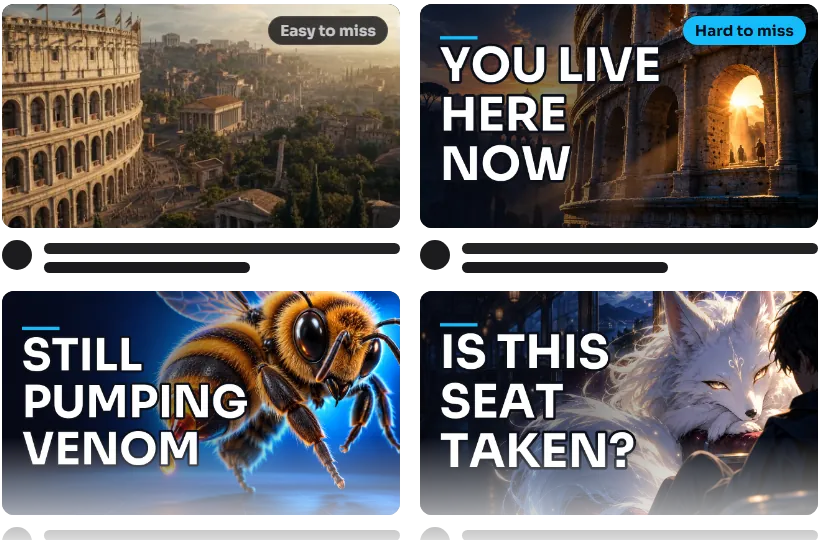
Why A Bee Sting Hurts Long After The Bee Leaves3D Explainer
A Girl Spots Something Huge Above Her CityAnime Story
A Day In Ancient Rome, Starting At The Colosseum3D Explainer
How A Rocket Booster Lands Itself3D Explainer
He Meant To Sleep At Ten. Then It Was FourGreentext Story
I Didn't Go To My Brother's Wedding. Here's WhyReddit Story
What Stops Us Drilling Deeper Into The Earth?3D Explainer
Why Penguins Slide Instead Of Walking3D Explainer
Why A Bee Sting Hurts Long After The Bee Leaves3D Explainer
A Girl Spots Something Huge Above Her CityAnime Story
A Day In Ancient Rome, Starting At The Colosseum3D Explainer
How A Rocket Booster Lands Itself3D Explainer
He Meant To Sleep At Ten. Then It Was FourGreentext Story
I Didn't Go To My Brother's Wedding. Here's WhyReddit Story
What Stops Us Drilling Deeper Into The Earth?3D Explainer
Why Penguins Slide Instead Of Walking3D Explainer
Make The Subject Clear. Let The Cover Tell The Story.
The cover is the first piece of the story a viewer sees. Choose an image they can recognise on a phone and a promise the finished video will deliver.
Check It At Phone Size.
Look at the downloaded frame at the size viewers will see it. If the subject is unclear or it is not the cover you want, bring your own JPEG or PNG.
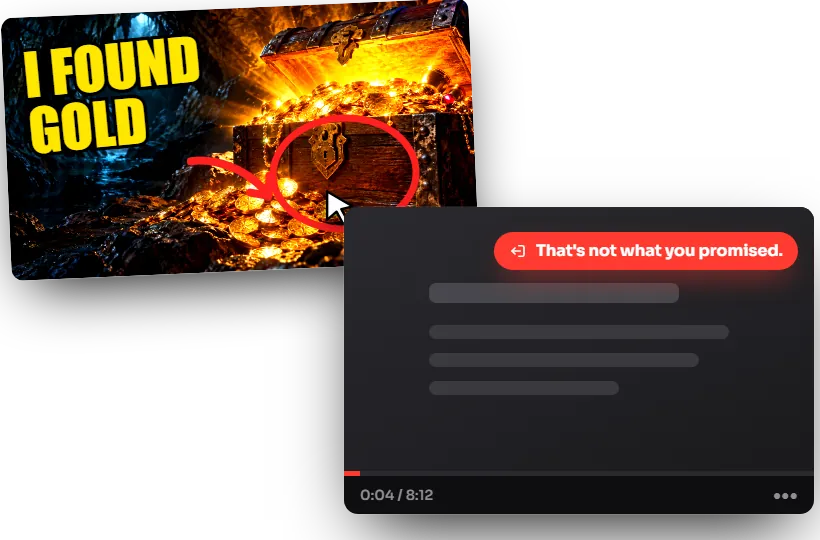
Make The Promise Match.
Choose a subject, moment or question the video actually explores. The cover should make people curious about the story they will get.
Bring An Image You've Made.
Already made a custom cover? Choose the JPEG or PNG, inspect its preview and save it to your confirmed DreamWild YouTube upload. The result is shown after YouTube responds.
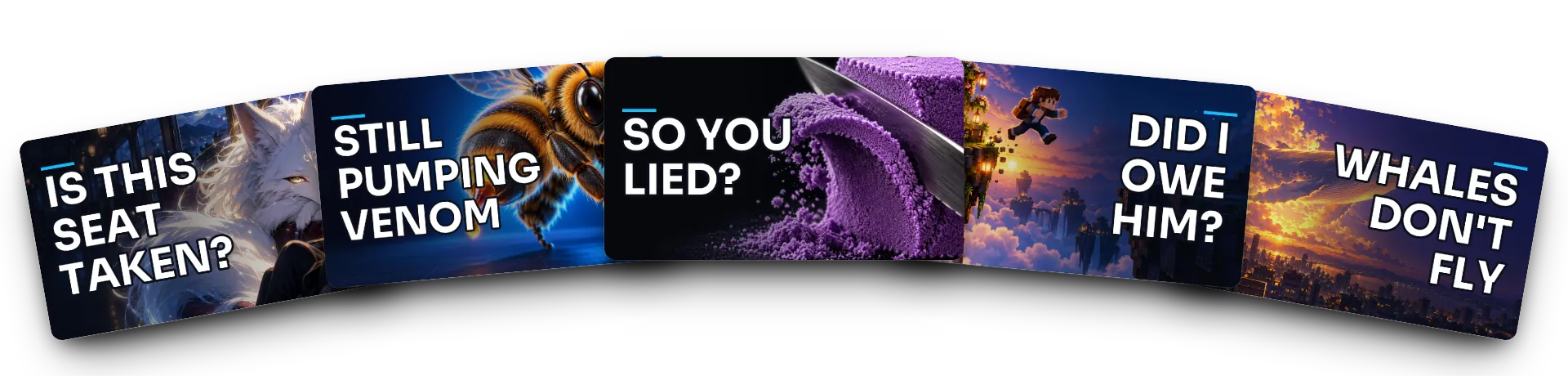
Three Ways To Frame The Same Story.
These concept examples show how framing changes a cover. They are not an included AI-thumbnail generator. Today, download a frame thumbnail or preview and save your own image for a confirmed DreamWild YouTube publication.
1
Find The Image In The Story.
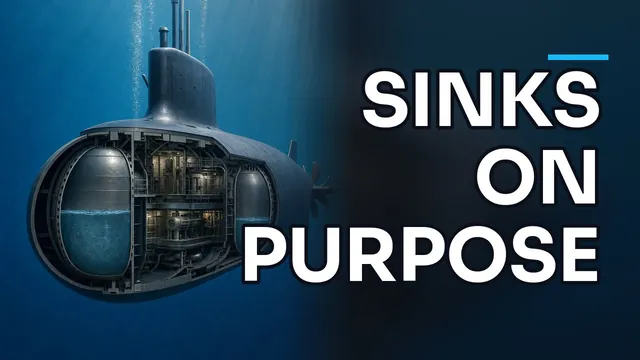
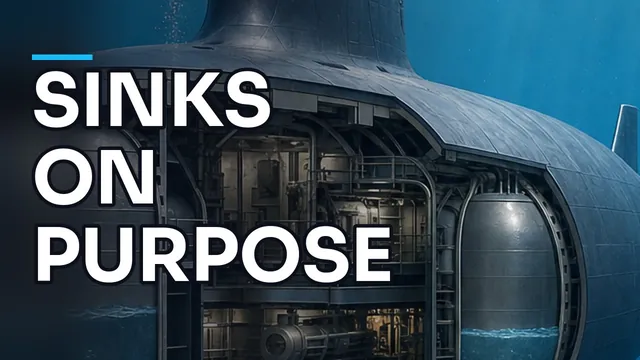
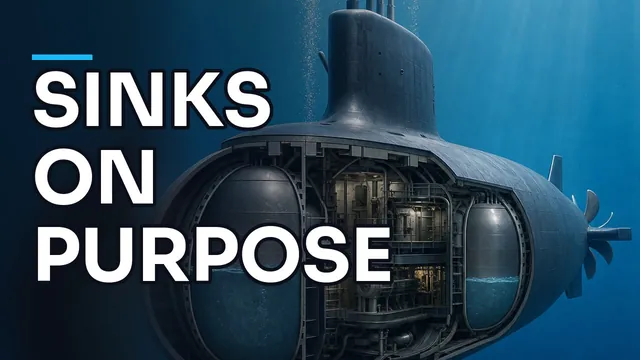
The submarine explainer supplies a subject and a question: how does it come back up? Use your own video to identify the moment a cover should introduce.
HookExample script
A submarine sinks on purpose. So how does it ever come back up?
Its tanks flood with seawater to dive.
Then air blasts them dry. Up it goes.
Headline
Sinks on purpose
Concept layout: 1280 x 720. Choose wording that complements your video title.
2
Compare The Composition.
23Three concept layouts
Take 1Close-up
Take 2Wide shot
Take 3Dramatic detail
3
Choose The Clearest Promise.
The close-up, wide view and detail tell the same story differently. Use that comparison when choosing a frame or designing the JPEG or PNG you will upload.
Chosen
ChooseChosenRerun
Concept artwork: 1280 x 720 JPEG, under YouTube's 2 MB limit. AI thumbnails are available for 5, 13 or 49 credits each.
A Cover Should Match The Video Behind It.
Show What's Inside.
Our submarine-explainer example uses a cutaway as its subject, in the same 3D style as the video.
How A Submarine Sinks And Rises Again
Give The Cast Top Billing.
A Boy Meets A Fox On The Last Night Train
Put The Disaster On Display.
The dorm, the laptop glow and the bad decision from our example story shaped this concept image.
He Meant To Sleep At Ten. Then It Was Four
Small Drawing. Big Idea.
Why Small Savings Can Grow Faster Over Time
Give The Drama A Cover.
I Didn't Go To My Brother's Wedding. Here's Why
How To Make A Faceless YouTube Thumbnail.
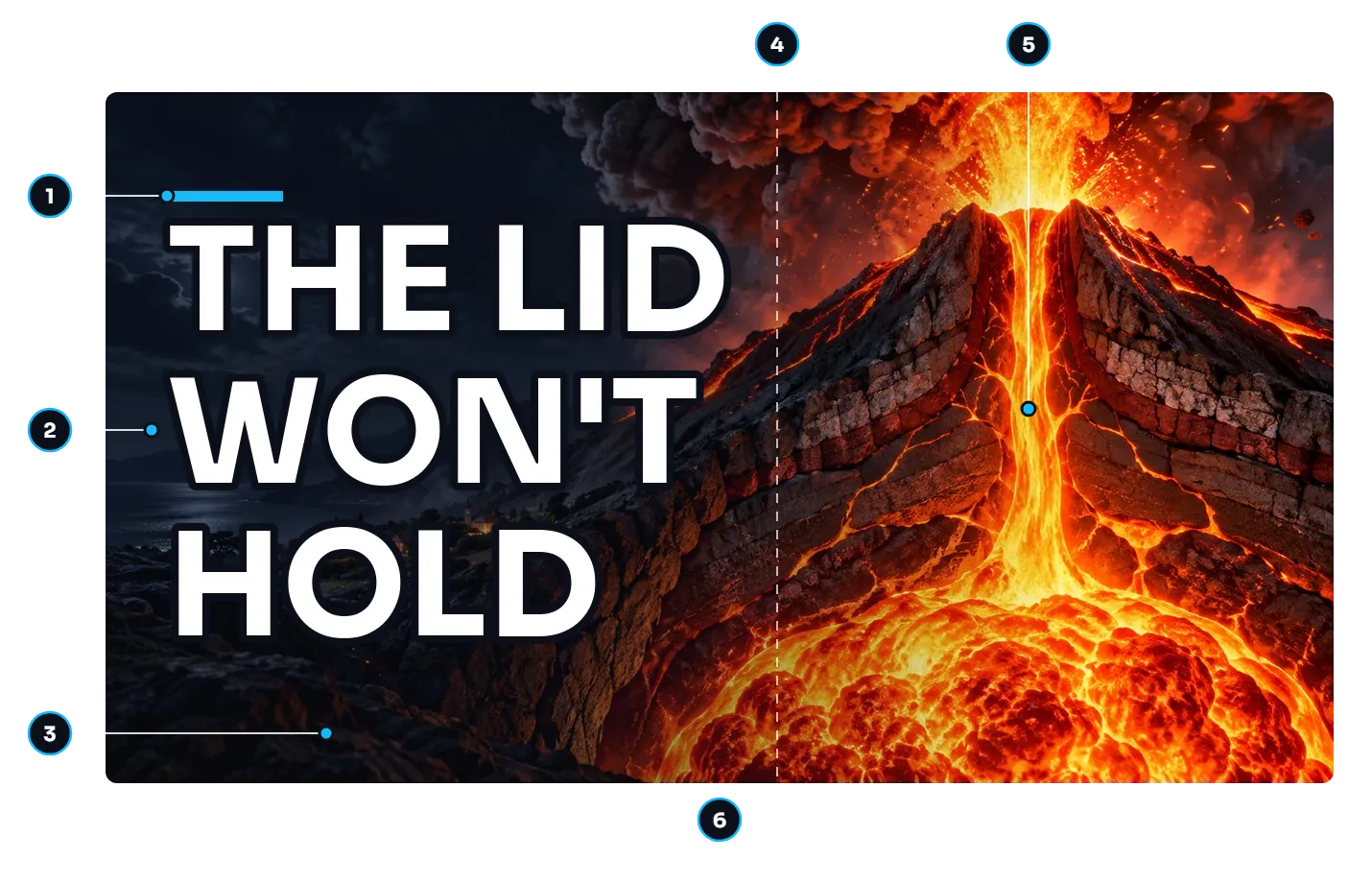
Use these checks to choose a frame or prepare a custom cover before uploading it.
1
A Familiar Channel Colour.
When you design a custom image, a consistent accent can connect it with the rest of your channel.
2
A Few Words With A Job.
Try two to four words that add a stake or question, such as "THE LID WON'T HOLD" for a volcano video. Use them to complement the title.
3
Readable On A Phone.
Shrink the cover to phone size. Check that the subject stays recognisable and the words remain readable against the picture.
4
A Calm Side For The Words.
Give the headline room beside the subject. Review the whole cover so the words and picture support the same idea.
5
One Subject.
A volcano, a fox or a stinger gives the eye somewhere to land. Use one clear subject and crop it confidently, keeping the detail the story needs.
6
A File You Can Upload.
The custom-upload control accepts JPEG or PNG files up to 50 MB. YouTube decides whether the thumbnail is accepted for that video.
No Face Needed. Your 3D figure, anime character or stick figure carries the emotion. Your own face stays out of the feed.
What You Can Use Today.
DreamWild Today
Separate AI Thumbnail Tool
Your Own Image Editor
Included Output
Frame-thumbnail download
Varies by tool
Your own image
Custom Image
Upload your JPEG or PNG
Generate in that tool
Create in your editor
Video Match
Review the frame or image yourself
Review generated results
Use your own video references
Headline Spelling
Review before saving
Review before use
Proofread before exporting
YouTube Save
Confirmed DreamWild uploads only
Depends on the tool
Upload through YouTube
AI Thumbnail Options
Available for 5, 13 or 49 credits each
Depends on the tool
Not applicable
Pick a Plan
Up to 35% Off
Starter
15% off
For first-time video creators
$29$29*USDfirst monthBilled monthly
1,500 credits every month
Enough for at least six 30-second Shorts a month.
🎁 2× credits first month
Free AI videos1 a day
Vesper AI agent chats15 a day
No watermarkEvery video
Commercial useIncluded
Save $54compared to monthly
Parallel generations: up to 2 videos
Upload to up to 2 YouTube channels
Access to selected models & features
Standard support
Credit rollover (not included)
Priority access to new AI features (not included)
Lowest cost per credit on annual (not included)
Creator
20% offDaily Shorts
For everyday content creation
$89$89*USDfirst monthBilled monthly
4,500 credits every month
Up to 45 30-second story Shorts a month.
🎁 2× credits first month
Free AI videos5 a day
Vesper AI agent chats40 a day
No watermarkEvery video
Commercial useIncluded
Save $216compared to monthly
Parallel generations: up to 3 videos
Upload to up to 5 YouTube channels
Access to all models & features
Priority support
1-month credit rollover
Priority access to new AI features (not included)
Lowest cost per credit on annual (not included)
Pro
30% offMost popular
For ambitious video projects
$249$249*USDfirst monthBilled monthly
12,500 credits every month
Up to 125 30-second story Shorts a month.
🎁 2× credits first month
Free AI videos15 a day
Vesper AI agent chats100 a day
No watermarkEvery video
Commercial useIncluded
Save $900compared to monthly
Parallel generations: up to 9 videos
Upload to up to 10 YouTube channels
Access to all models & features
👑VIP support
2-month credit rollover
Priority access to new AI features
Lowest cost per credit on annual (not included)
Max
35% offBest value
For high-volume content creation
$499$499*USDfirst monthBilled monthly
25,000 credits every month
Up to 250 30-second story Shorts a month.
🎁 2× credits first month
Free AI videos30 a day
Vesper AI agent chats200 a day
No watermarkEvery video
Commercial useIncluded
Save $2,100compared to monthly
Parallel generations: up to 12 videos
Upload to up to 20 YouTube channels
Access to all models & features
👑VIP support
3-month credit rollover
Priority access to new AI features
Lowest cost per credit on annual
*Prices include GST and VAT where applicable. Video costs vary with your format and model, the length you choose and any retakes. Check the quote before each paid step. Annual plans are paid upfront, with credits added monthly. Your subscription renews until you cancel. Videos you schedule to YouTube publish as private until YouTube approves our app.
Trusted by creators with combined 2M+ followers, 4B+ views+100
Frequently Asked Questions
What Thumbnail Features Can I Use Today?
Download a frame thumbnail with the finished video. For a confirmed DreamWild YouTube upload, choose your own JPEG or PNG, inspect the preview and save it. DreamWild reports success only after YouTube confirms the update. These controls apply to confirmed DreamWild uploads, not arbitrary videos already on your channel.
How Many Thumbnail Options Do I Get Per Video?
A frame thumbnail is included with the finished video. AI thumbnail options are available for 5, 13 or 49 credits each; the concept images on this page illustrate cover design.
What Image Files Can I Upload?
Choose a JPEG or PNG up to 50 MB. DreamWild checks the file and shows a preview before you save. YouTube decides whether it accepts the thumbnail for the confirmed DreamWild publication; channel access and video type can affect availability.
Do I Need To Show My Face In My Thumbnails?
No. Use a frame from the video or a custom image of its subject. Your own face does not need to appear.
Will The Words On My Thumbnail Be Spelt Right?
Check spelling, names and wording in the final image. Generated pictures and suggested headlines can contain mistakes. For a custom JPEG or PNG, use the preview to check the cover before saving it to YouTube.
Can I Use A Custom Thumbnail For YouTube Shorts?
Finished Shorts include a frame-thumbnail download. YouTube may not support custom thumbnails for some videos, including Shorts. DreamWild shows the provider's result and does not claim a save succeeded until YouTube confirms it. Check the video's available controls in YouTube Studio if a custom thumbnail is refused.

 How A Submarine Sinks And Rises Again
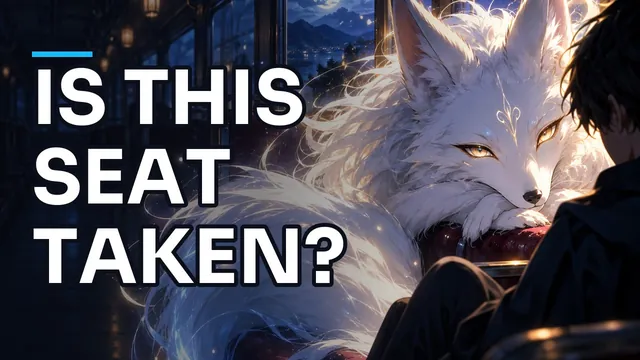 A Boy Meets A Fox On The Last Night Train
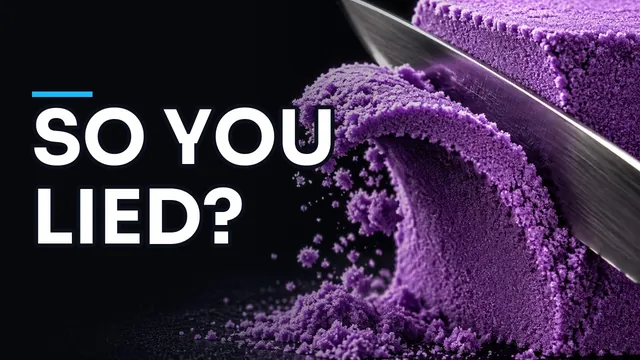 The Receipt That Made Their Story Fall Apart
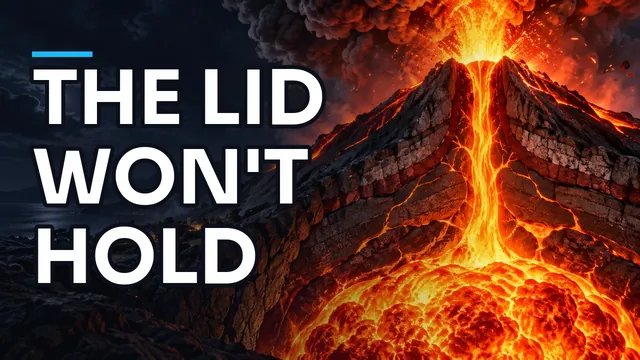 What Happens Inside A Volcano Before It Erupts
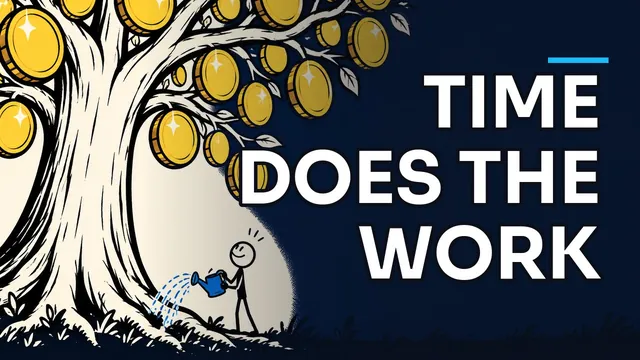 Why Small Savings Can Grow Faster Over Time
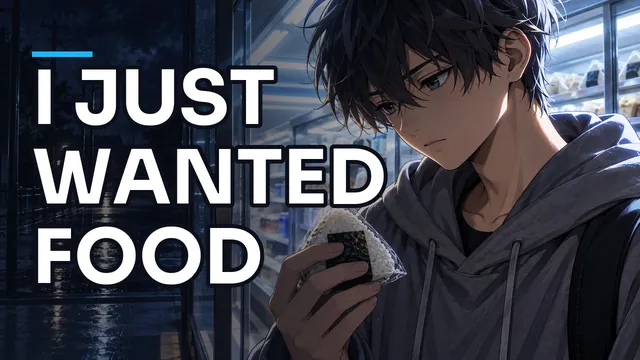 He Went Out For A Rice Ball. Then Things Got Weird
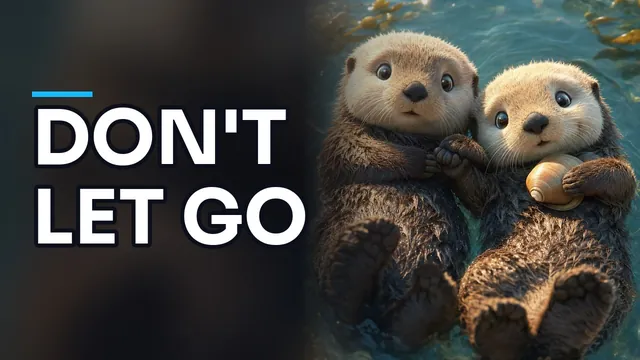 Why Sea Otters Hold Hands While They Sleep
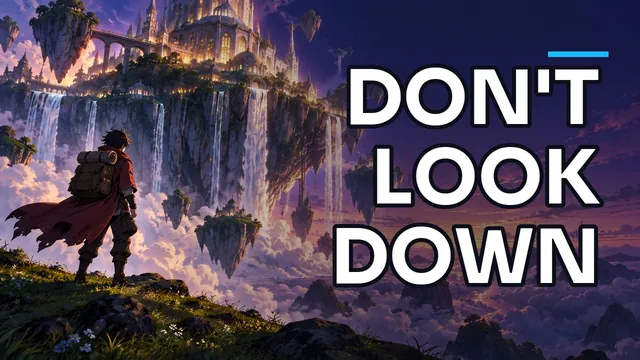 A Traveller Reaches A City Of Floating Islands
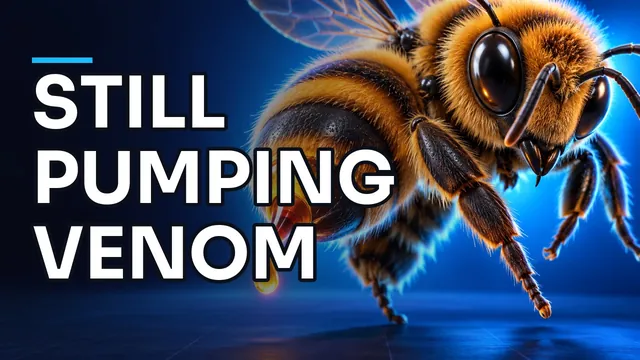 Why A Bee Sting Hurts Long After The Bee Leaves
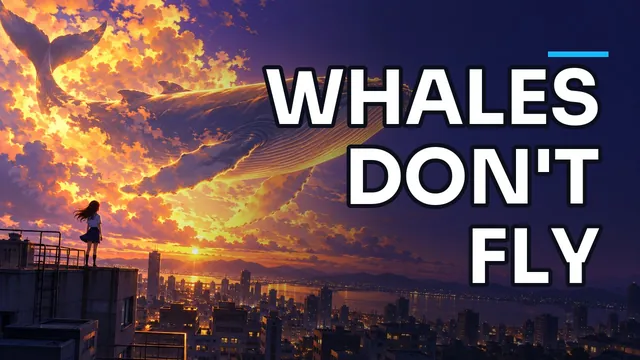 A Girl Spots Something Huge Above Her City
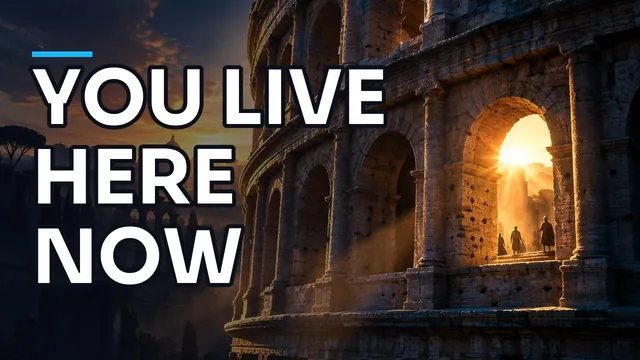 A Day In Ancient Rome, Starting At The Colosseum
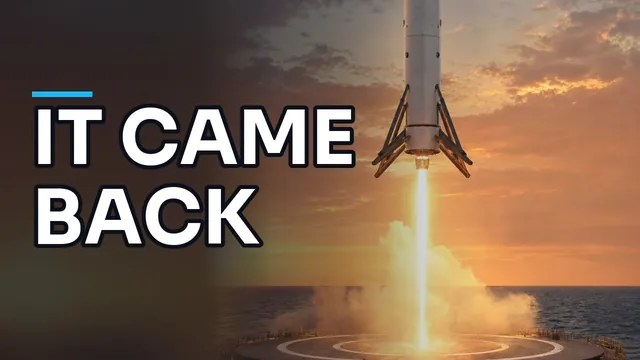 How A Rocket Booster Lands Itself
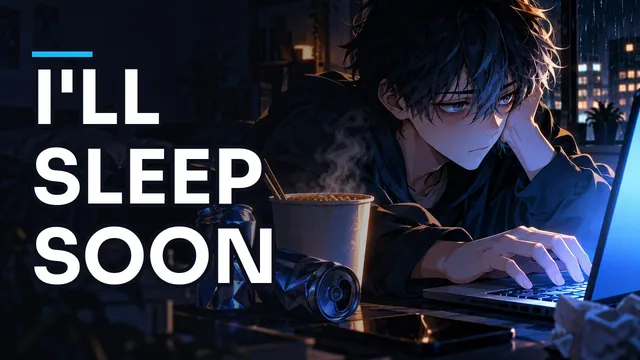 He Meant To Sleep At Ten. Then It Was Four
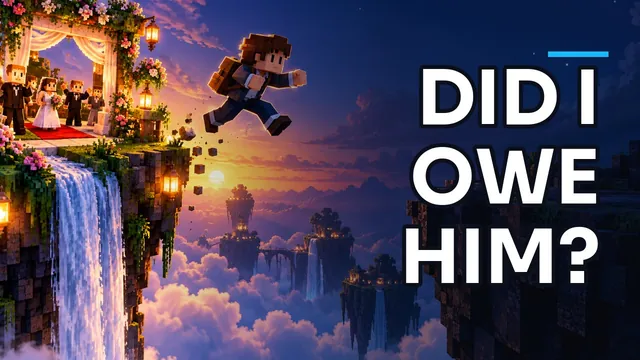 I Didn't Go To My Brother's Wedding. Here's Why
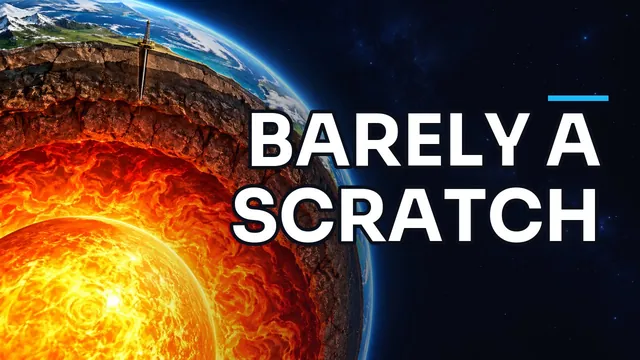 What Stops Us Drilling Deeper Into The Earth?
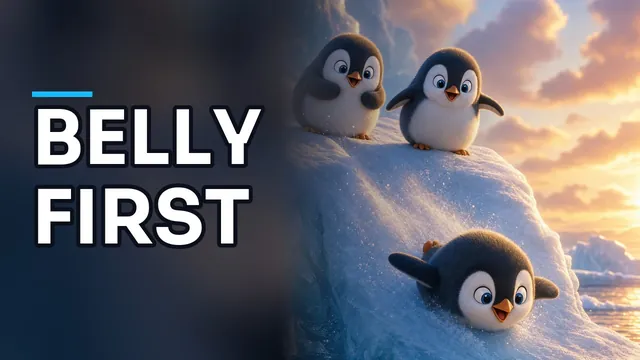 Why Penguins Slide Instead Of Walking